
Karera Keepsake
Collect memories online. Deliver them beautifully.
Create a private memory album with photos, videos, and messages. Karera turns it into a premium keepsake card, gift-ready box, or event memory wall.
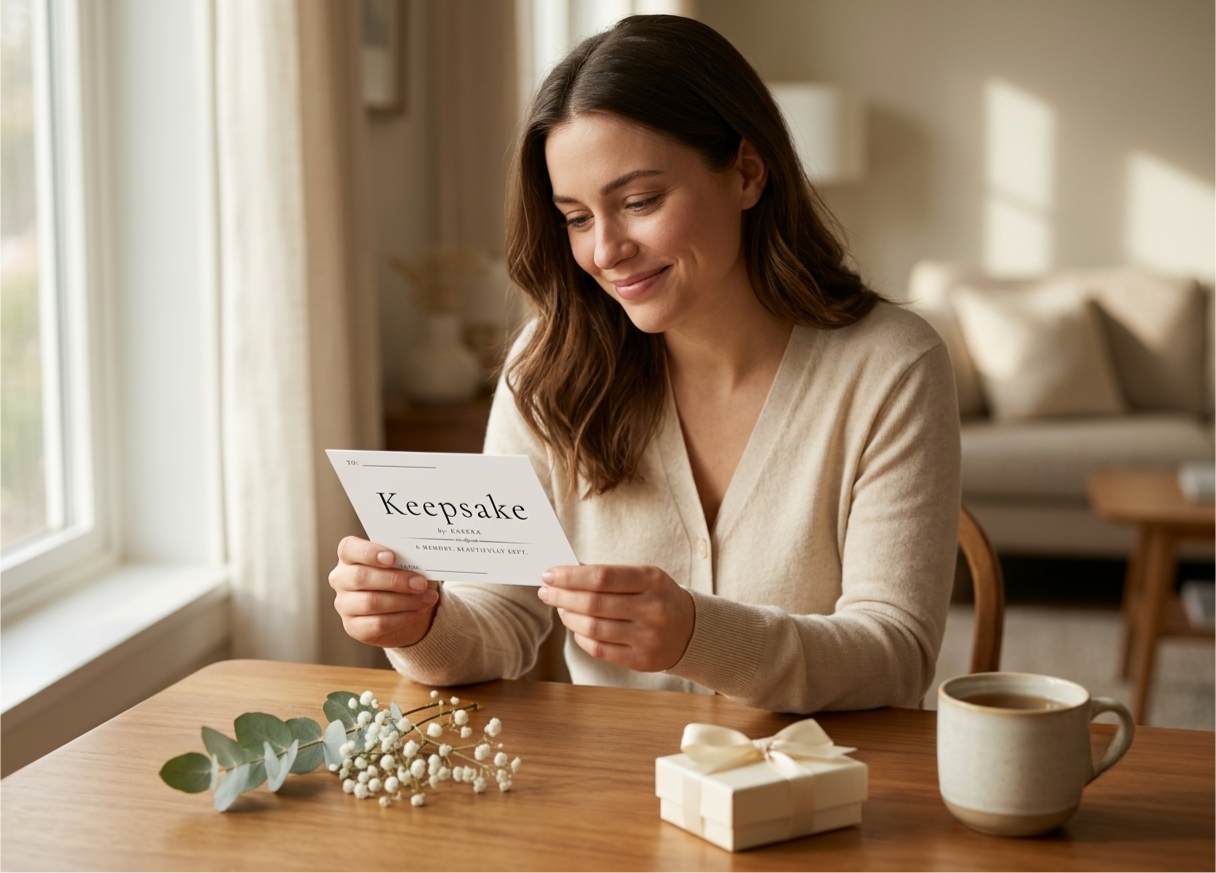
Solo Keepsake
For one personal memory.
Upload your photos, a short video, and a message. Karera turns it into a private digital memory card, prints it, and ships a premium keepsake box directly to the recipient.
Best for: Birthdays, anniversaries, Mother's Day, Father's Day, long-distance gifts.
Free during preview
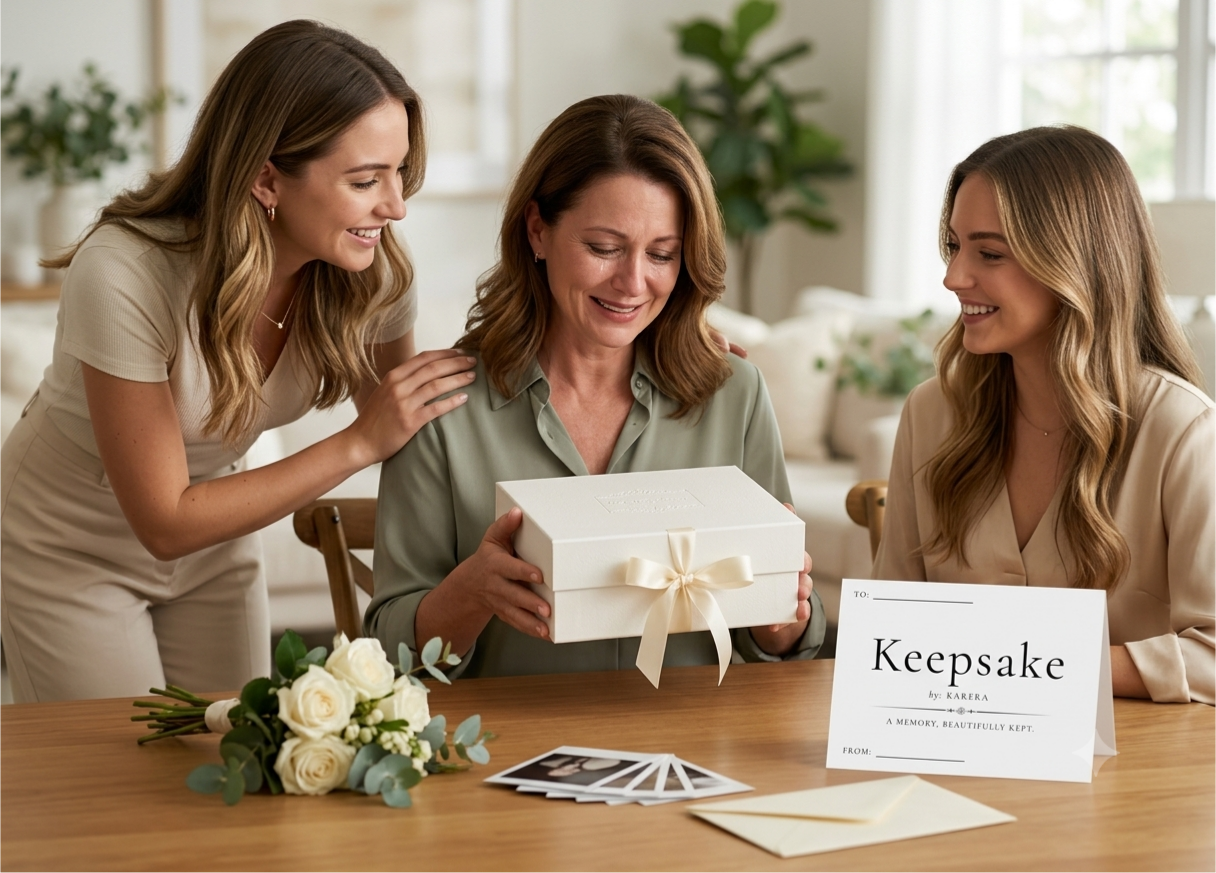
Group Keepsake
For family, friends, or coworkers.
Invite up to 10 people to add messages, photos, or short videos. Karera turns everyone's memories into one private digital memory card and ships a premium keepsake box to the recipient.
Best for: Retirements, birthdays, farewells, weddings, baby showers, family gifts.
Free during preview

Event Wall
For parties, weddings, and company events.
Display a QR code at your event. Guests scan, leave wishes, photos, and videos. After the event, share the finished digital collage with everyone.
Best for: Company Christmas parties, weddings, retirements, birthdays, corporate events.
Free during preview
How it works
Choose
Pick the memory experience — Solo, Group, or Event Wall.
Confirm
Confirm your order - free during preview. Your setup link arrives right away.
Create
Add photos, videos, and messages — or invite others to contribute.
Karera delivers
We print and ship the keepsake box, or publish your private event wall.
Questions, answered
What exactly is Karera Keepsake?+
Karera is a QR memory gift: you add photos, a short video, and a personal message, and we turn them into a private digital album delivered through a beautifully printed keepsake card. The recipient scans the card with any phone camera, enters the passcode you chose, and the album opens.
Does the recipient need to install an app?+
No. The card opens in whatever browser is already on their phone. There is nothing to download, and no account to create.
What does it cost right now?+
Nothing. Karera is in preview, so your keepsake is printed and mailed at no cost and no card details are required. Regular pricing begins at public launch, and preview orders are never charged retroactively.
How private is the album?+
Private by default: an album is never listed, never searchable, and never indexed by search engines — it opens only for someone holding the card or its link. You can add a passcode so the card alone isn't enough, and we recommend one for anything personal. Vendors only ever see a card's status, never your photos, video, or message.
How long is my album available?+
Your album is included for two years from activation, and renewable after that. We'll email you before it expires so you can renew or download everything in it.
What is the difference between Solo, Group, and Event Wall?+
Solo is created by one person for one recipient. Group lets several people add their own photos and messages before it's sent. Event Wall is a QR code guests scan at an event to leave photos and wishes on a shared wall.
Can I review everything before it is sent?+
Yes. Group buyers review every contributor submission before final production, and Event Wall hosts can review submissions before publishing.
How is my keepsake shipped, and when does it arrive?+
Within Canada, via Canada Post. Production typically takes 2-3 business days after you submit your album, then a few more business days in transit. Keepsakes are packed in a premium mini mailer box; smaller card-only items may travel as Oversize Lettermail, which does not always include tracking. Shipping & Returns policy.
What if it arrives damaged or printed wrong?+
We reprint it or refund you. Email support@karera.ca within 14 days of delivery with your order number and a photo of the problem. Because each keepsake is custom-printed with your own photos and message, it can't be returned simply for being unwanted once production has started — so do review your album carefully at the preview step. Read the full policy.
Do digital-only products ship?+
No. Event Wall is delivered digitally — you receive a QR sign to download and display, so there is nothing to mail.
How do I build my album after ordering?+
You receive a setup link by email straight after checkout. Use it to enter your recipient, upload photos, a short video, and your message, pick an album style, and submit. Keep that email — the same link lets you come back and finish later.
Which one is yours?
Same private album behind every one of them. What changes is who writes it, and what shows up at the other end.
- Who adds the memories
- You
- How many people
- Just you
- What actually arrives
- A printed keepsake card in a premium mini mailer box
- Pick this when
- You already have the photos, and you want to be the one who says it.
- Who adds the memories
- You plus the people you invite
- How many people
- Up to 10 contributors
- What actually arrives
- One printed keepsake card in a premium mini mailer box
- Pick this when
- The people who would sign the card are scattered across cities.
- Who adds the memories
- Every guest who scans the code
- How many people
- Up to 150 guests
- What actually arrives
- A shared wall at its own link — nothing is mailed
- Pick this when
- You want the whole room contributing, on the day, from their own phones.
- Who adds the memories
- You
- How many people
- Just you
- What actually arrives
- Fresh flowers, hand-delivered with a keepsake card
- Pick this when
- It needed to arrive today, and you are only now reading this.